

I didn’t set out to build an app. I’m a photographer.
I built it because I got fed up with guessing (and sometimes getting it wrong). Home C41 development is full of it. Not the process itself that’s straightforward, but everything around it.
You’re told to hit 38°C and keep it there. You’re told your chemicals will last “X” number of rolls. You’re given clean, controlled instructions. But in reality? The temperature drifts. The chemicals age. And you’re stood there, mid-development, making a judgement call you’re not fully confident in.
“Do I add time… or just leave it?”
Most people leave it. And hope. And yeah it often works. But when it doesn’t, it’s not a minor miss. You’ve potentially just ruined a roll you can’t get back.
What’s strange is that everyone knows these variables matter. Temperature and chemistry condition are the factors in colour development. But the tools people use completely ignore them. Timer apps assume everything is perfect, including the temperature, which is less important for monochrome but for colour its imperative!
The “proper” solutions rotary processors and heated systems solve the problem, but at a cost that starts to defeat the whole point of developing at home.
There was nothing in the middle. Basic timer apps or expensive colour developing processors. There was no app that actually adapts to what’s happening while you’re developing.
So I built it!
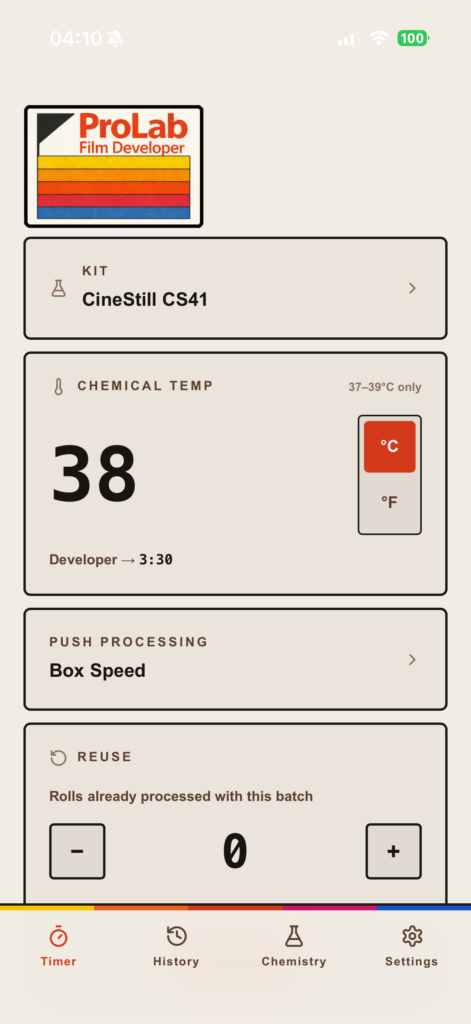
ProLab Film Developer.
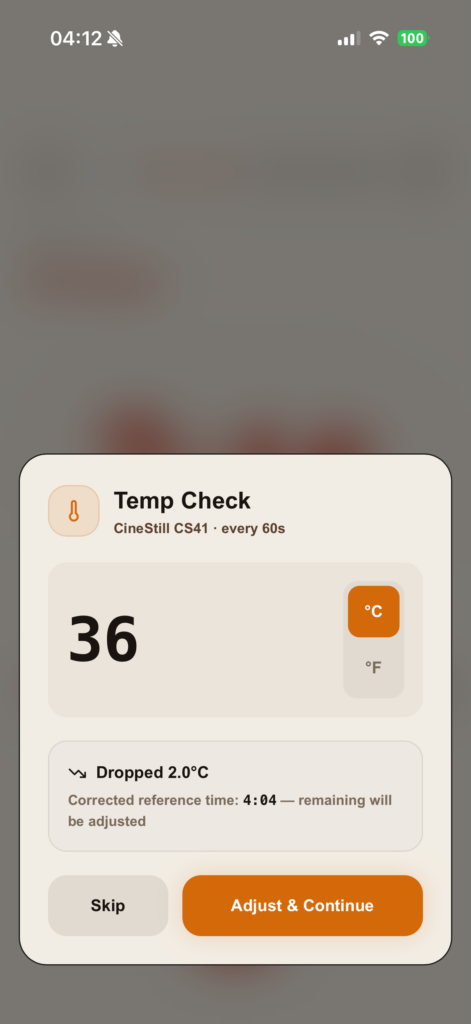
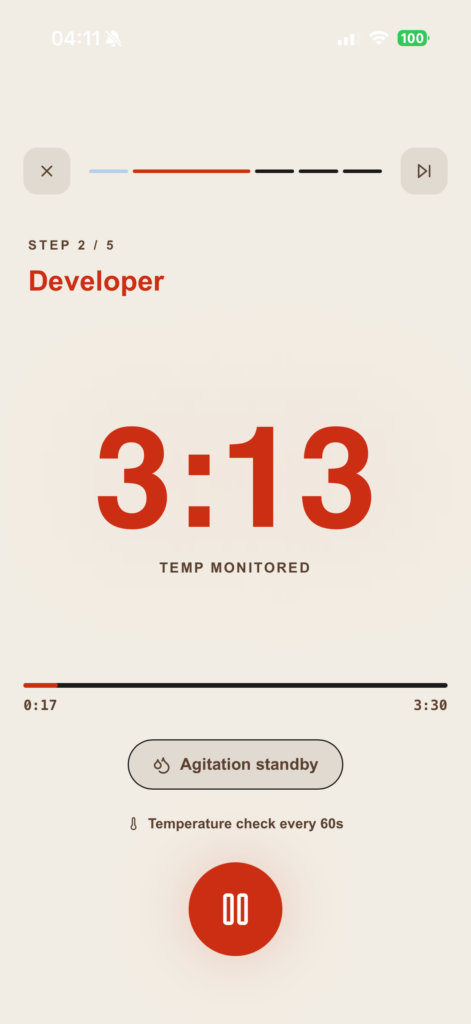
It does what a normal timer doesn’t. It asks you for a temperature reading every minute. If it’s dropped, it adjusts your remaining time to compensate. Not theoretically, in real time, while you’re developing.
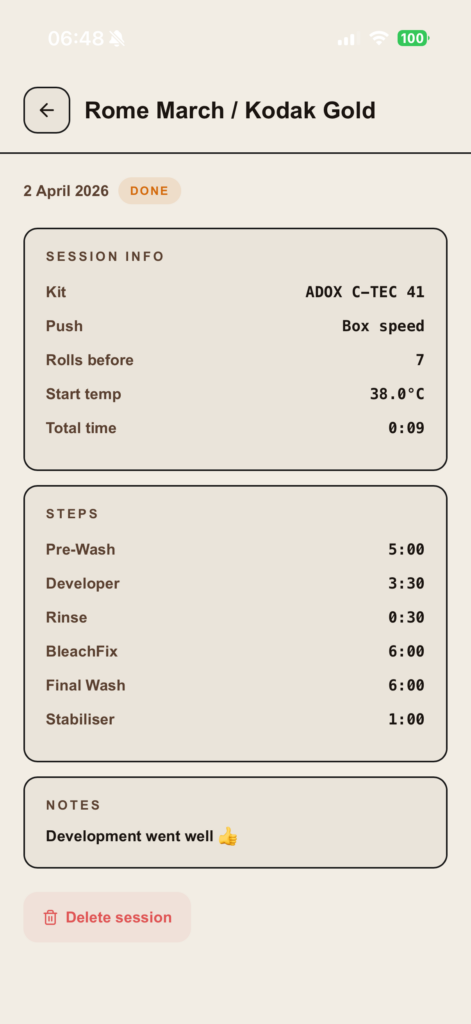
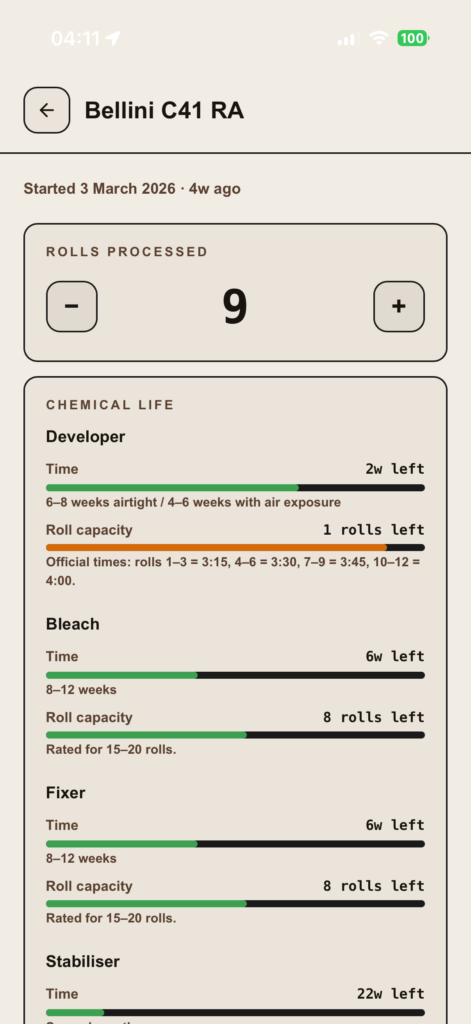
It also tracks your chemistry properly. Not just “how many rolls roughly,” but where you actually are in its lifespan and it adjusts your development time to reflect that. Plus if you want to experiment further it also allows you to push process even with chemicals that are not at their freshest. So instead of hoping your process is still within tolerance… you stay within it.
And that’s the key difference.
Because the barrier to home C41 was never knowledge. It was confidence.
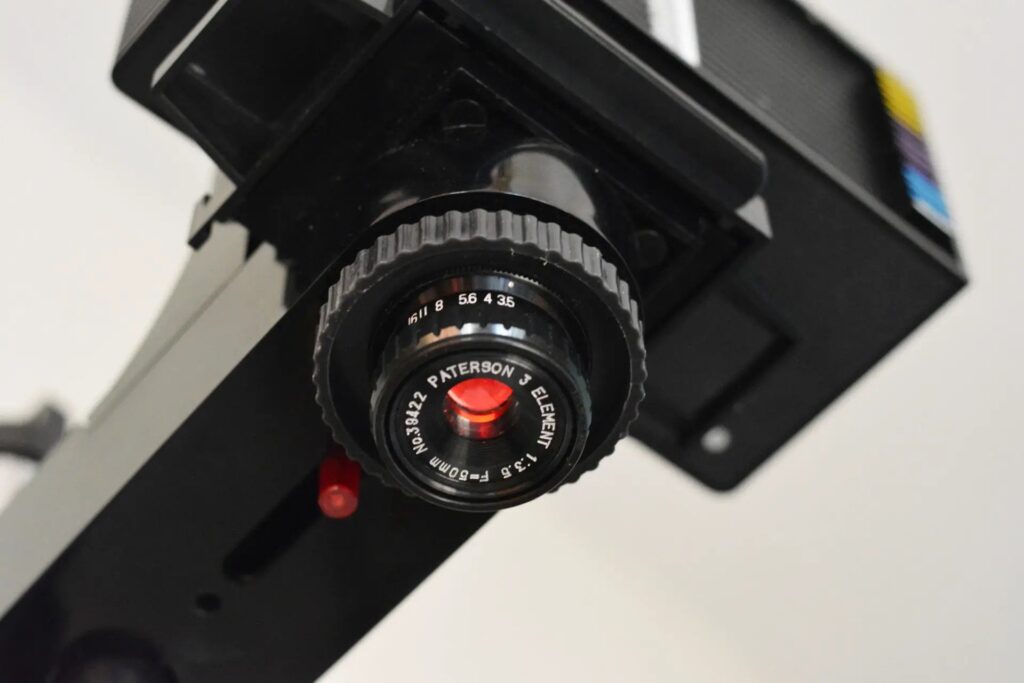
People think they need sous vide setups, lab-grade control, expensive processors. But they don’t. They just need something that accounts for reality. You can do this with a washing up bowl, a Paterson tank, and a thermometer.
The app just makes sure you don’t drift outside the margins. That’s it.
It sits somewhere in the same space as hardware processors, consistency, but without the cost. You still do the work, but you’re no longer guessing your way through it. And as far as I could tell, nothing else was doing this.
So I made it for myself. Then realised it probably shouldn’t just be me using it.
If you’ve ever stood over a tank thinking, “please don’t be ruined,” you already know why something like this matters. Why not save on development costs and develop like a pro but without the setup costs, give it a try, you’ll be surprised how easy it is.
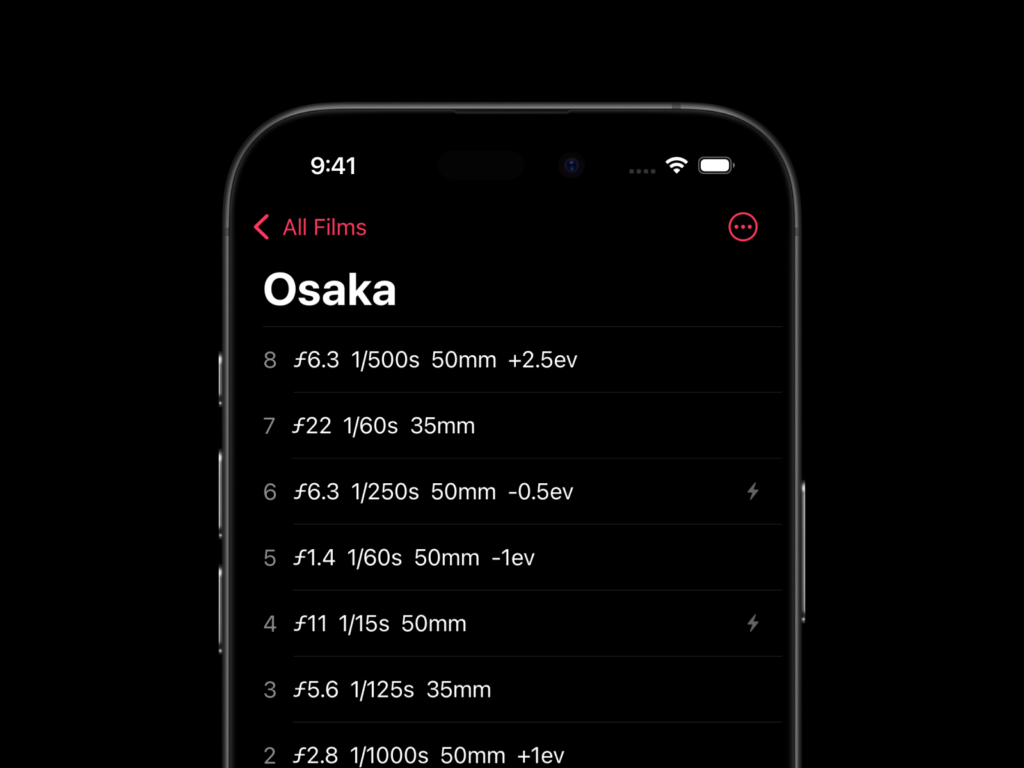
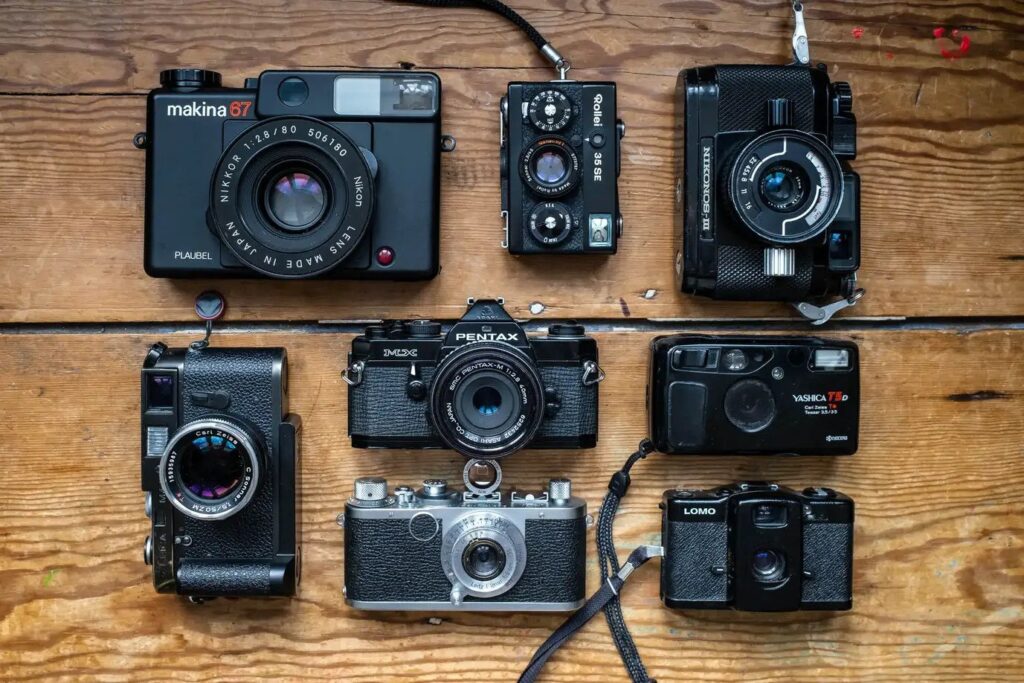
Some screenshots of the app:
Jim
Available now on the Apple App Store: https://apps.apple.com/us/app/prolab-film-developer/id6759682425
Share this post:

Comments
Ben Mackey on C41 Development Isn’t the Problem – Guessing Is!
Comment posted: 30/04/2026
One question from looking through the app. It looks like this expects that all rolls of film are the same size, presumably 35mm. That said, how many exposures are assumed to be on each roll?
Can other film sizes (110/120/4x5/8x10) be added?
Comment posted: 30/04/2026